 ScreenGuide
Drop a Screenshot.Get a Complete Guide.
Upload a screenshot and get step-by-step instructions, alternative paths, troubleshooting tips, and FAQ — all generated in under 60 seconds.
No signup needed. Try it right now.
Drop your screenshot here to try it instantly
PNG, JPG, or WebP — no account required
One screenshot in. Full guide out.
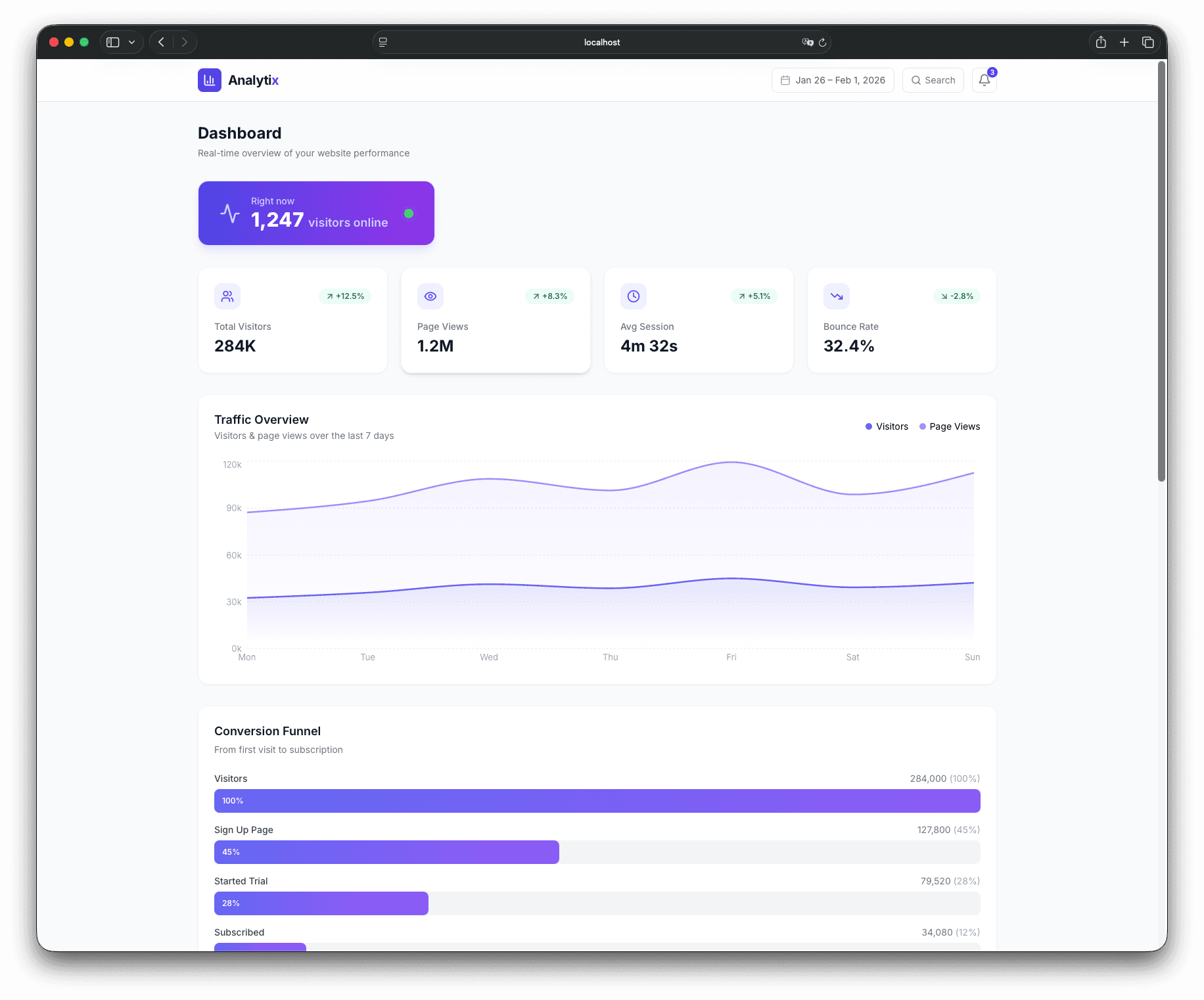
This is a real output. One screenshot uploaded, one complete help article generated — with steps, troubleshooting, and FAQ.
Not just steps — complete documentation
ScreenGuide goes beyond simple step recording. Get intelligent detection, multiple user paths, and built-in troubleshooting.
Smart Step Detection
Upload screenshots and get step titles, instructions, and detected UI elements automatically — no manual typing required.
Multiple Paths Detected
Key DifferentiatorScreenGuide automatically finds alternative flows like social login, password reset, or sign-up paths. One screenshot, many steps.
Built-In Troubleshooting
Instantly generate common problems and FAQ answers from your steps. Complete help articles, not just how-to guides.
Export & Share Anywhere
Download professional PDFs or Excel files. Share read-only links with your team or embed in your help center.
From screenshots to documentation in 3 steps
No complicated setup. No learning curve. Just results.
Upload Screenshots
Drag & drop screenshots from support tickets, designs, or your app.
Supports PNG, JPG, and WebP. Batch upload multiple screenshots at once.
Generate & Edit
AI creates steps, detects UI elements, and suggests missing paths — you stay in control.
Edit titles, add notes, reorder steps. Generate troubleshooting & FAQ automatically.
Annotate & Export
Add callouts, blur sensitive info, and export a finished guide as PDF or Excel.
Share via link or download. Your documentation is ready to publish.
Watch How It Works
See a quick walkthrough of how ScreenGuide turns your screenshots into complete, professional documentation.
Built for teams who document software
Whether you’re answering support tickets or building a knowledge base, ScreenGuide helps you create better documentation faster.
Support Teams
Turn customer screenshots into help articles. Reduce ticket volume with self-service docs.
Product Managers
Document features without screen recording. Create release notes and user guides fast.
Founders & Makers
Build your help center without hiring. Ship documentation at startup speed.
Internal Ops
Onboard new hires faster. Document internal tools and processes efficiently.
Simple, transparent pricing
Start for free, upgrade when you need more power. No hidden fees.
Starter
20% OFFFor individuals and small teams getting started with documentation.
- 10 projects
- Unlimited screenshots per project
- 10 AI generations per project/mo
- 100 total AI generations/mo
- Export without watermark
- PDF & Excel export
- No Word document export
- No troubleshooting generation
Pro
20% OFFFor teams and power users who need unlimited documentation.
- Unlimited projects
- Unlimited screenshots per project
- Unlimited AI generations
- Export without watermark
- Auto troubleshooting & FAQ
- Word document export
- Priority support
Why teams switch to ScreenGuide
Stop wrestling with screen recorders and manual documentation. Get complete help articles from simple screenshots.
- Turn customer screenshots into help articles
- Create onboarding docs without screen recording
- Reduce support tickets with built-in troubleshooting
- Detect multiple user paths automatically
- Export professional PDFs in one click
- Privacy-first: blur sensitive data, auto-delete files
5x
Faster than manual documentation
80%
Less time writing help articles
3+
User paths detected per screen
0
Accounts required to start